
Mus2 includes a total of 54 short and long usuls, ranging from 2-time to 124-time. The usuls can be displayed according to the levels at which they are used, the smaller-time-unit segments from which they are composed, or as a whole. Because some usul levels are referred to by different usul names, the application contains more than the 54 basic usuls. In the demo version, access to a limited number of usuls is available.
Overview
When you click the Usul button in the icon bar at the top of the Mus2 window, the usul screen opens.
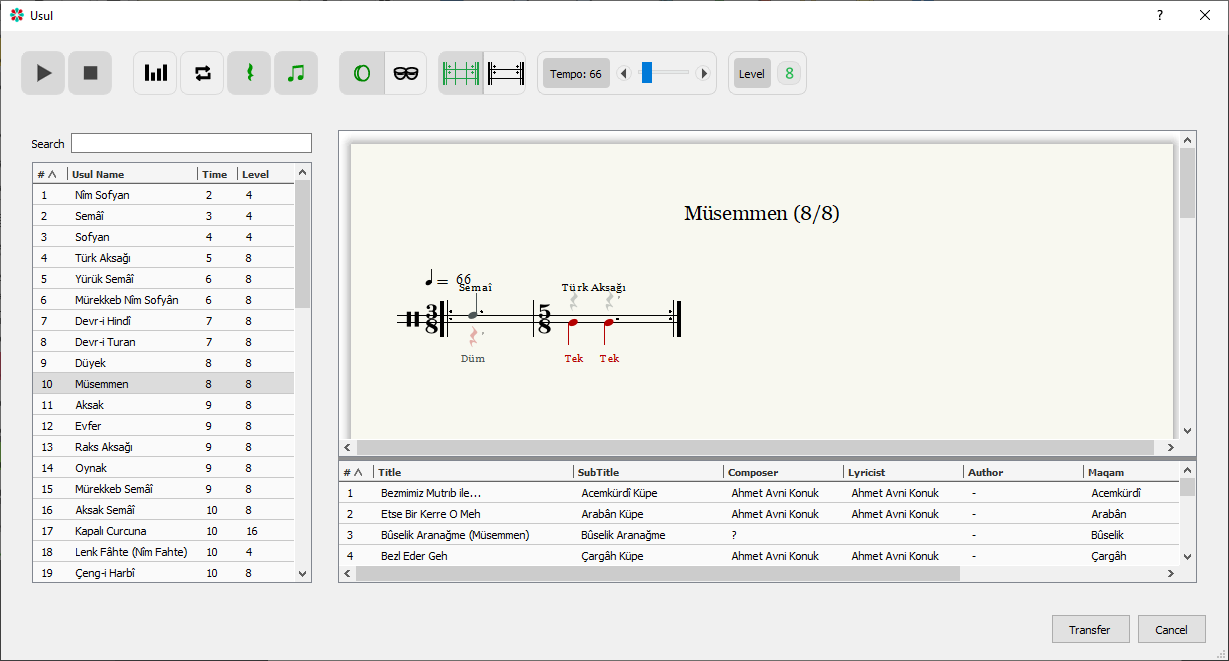
Using the Usul List
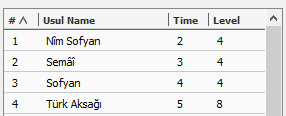
The headings in the list function as buttons. When the screen first opens, the list is ordered by row number. You can sort the list by row number, usul name, time, or level; clicking a heading again reverses the sort order. The Level column shows the most frequently used level for each usul.
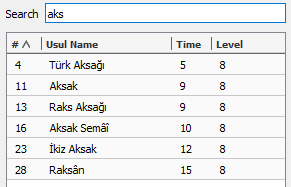
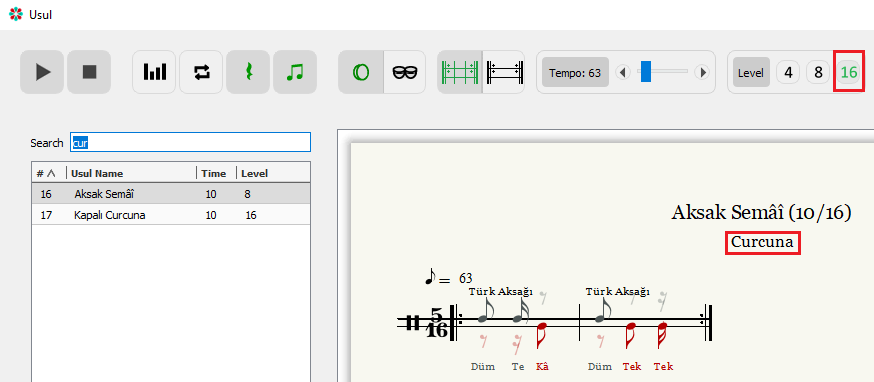
When you type an expression into the search box, the usuls containing that expression are listed. There is no need to match uppercase or lowercase, to type the whole word, or to include punctuation. The search covers not only the names in the list but also the names that appear in the levels. For example, a search for “cur” lists Aksak Semâî even though the word does not appear in its name, because its 16th level is named Curcuna. If a different name appears beneath a usul’s name, it is the usul name given for that level.
Functions of the Buttons
If you hover the mouse over a button for a moment, a brief description of its function appears. This information reflects the current state of the usul layout window.

Play / Pause: The play and pause buttons.

Normal / Velveleli: Displays the usul’s normal layout; when clicked, the color turns green and the velveleli layout is shown.

Loop / Repeat: When the usul screen first opens, the usul plays twice, taking the return sign at the end of the line into account; click the button for continuous (looping) playback.

Show / Hide Rests: Shows or hides the rest symbols used to prevent note shifts while writing.

2nd Voice — Black / Color: Notes and rests written in the “2nd Voice” appear in red; those to be struck with the left hand are shown in red on the lower staff. For colored display, set “Working Voice” to “Color” in the “View” tab of “Edit → Settings”.
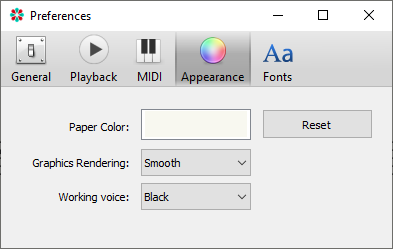 View > Working Voice”/>
Voicing Instrument: The usul can be voiced with a bendir or a kudüm.
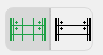
Sub-usul Parts / Whole: Except for the two-beat Nîm Sofyan and the three-beat Semâî, every usul is composed of shorter usuls; these buttons display the usul either in its constituent sub-usul parts or as a single, uninterrupted whole.
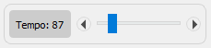
Tempo: Each usul has a default tempo; adjust it step by step with the left and right arrow keys, or drag the blue bar for larger changes.
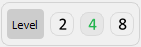
Level: Some usuls can be used at different levels (denominators); the green number indicates the level most frequently used in works written in that usul.

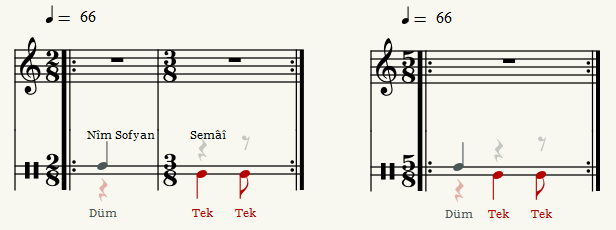
Export: Exports the selected usul to the Mus2 score page, either in parts or as a whole depending on its current state. The example below shows the Türk Aksağı (5/8) usul exported using two different options.
Use of Usul with the Archive
When an usul is selected, the pieces written in that usul are filtered from the archive folder and listed; as you navigate the usul list on the left, you can reach the related pieces from this screen. You can sort the list by clicking the column headers, and double-clicking a piece opens it in Mus2. If an archive folder was created earlier but the Makam and Usuller columns are empty, the “Update Archive Database” button on the screen opened via “File → Open Archive” refreshes the list.
