
Mus2 continues its journey to become an encyclopedia of makam music rather than just a note writing program.
Usuls (Rhythms)
Short usuls of Turkish Music have been added. Access to and study of 40 usuls from 2 time to 15 time has been provided. A limited number of usul information will be available in the demo version.
The Usul button has been added to the icon bar at the top of the Mus2 window. When clicked, the following screen opens.
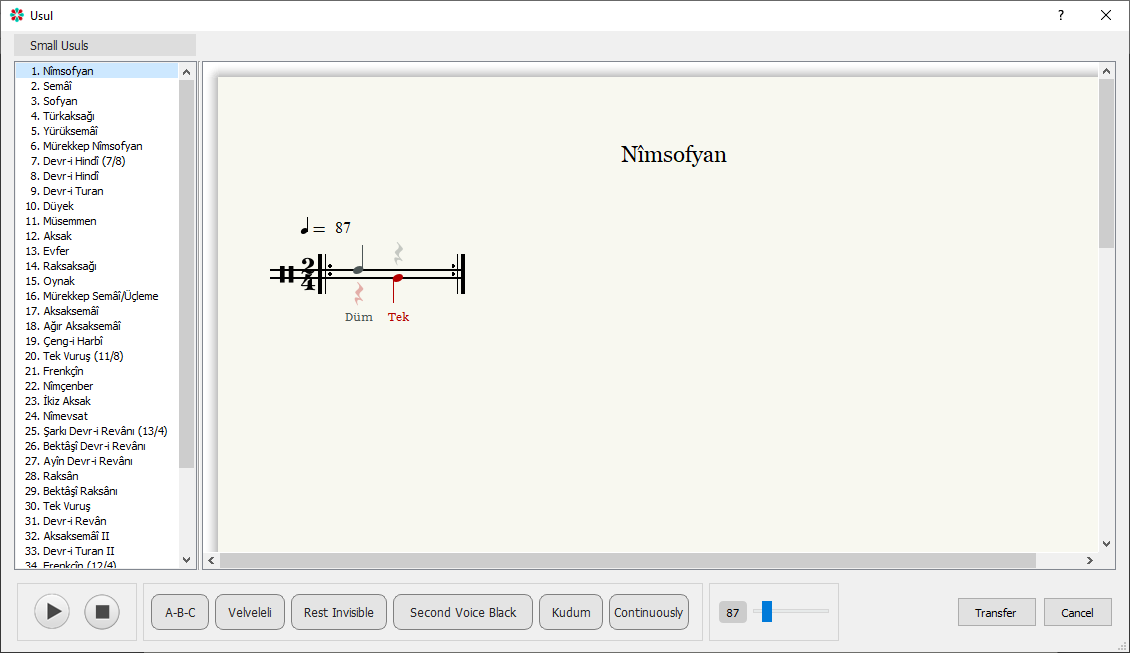
Functions of buttons:
Play/Stop

Play and stop buttons.
Change list order
When the screen first opens, the list in the left window is ordered by procedural numbers. The “A-B-C” button allows the names to appear in alphabetical order and will change to “1-2-3” when clicked. These two buttons allow the list to be ordered alphabetically or by number.
The expressions inside the buttons indicate the desired state, not the current state.
Normal/Leveled
With these buttons, the velveled and normal sequences of the usul are obtained.
Show/Hide Silences
Hush marks are used to prevent slips while writing the procedural notes. They can be hidden if desired.
Second sound Black/Color

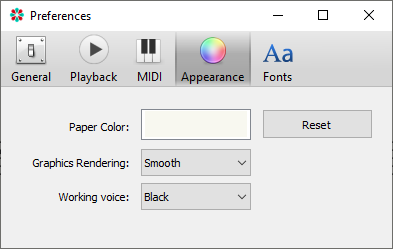
As a general feature of the Mus2, notes are displayed in red when written in “2nd voice”. Those that should be struck with the left hand are written in red and on the line below. Colored or uncolored display can be achieved with these buttons. In order for it to appear in color, firstly; “Edit” => In the “Appearance” tab of the “Settings” screen, the “Working sound” option must be registered as “Color”.
Voiceover Instrument Selection
The voiceover changes the instrument.
Repeat Button
When the method screen is first turned on, it takes into account the turn mark at the end of the measure and plays 2 times. It can be played continuously with the Continuous button.
Tempo Knob
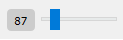
Each method has its own tempo pre-value. The tempo value of the usul can also be changed with this button during operation.
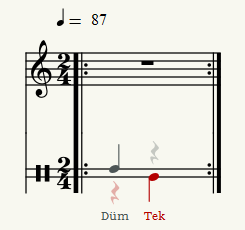
Transfer Button

Allows the selected method to be transferred to the Mus2 sheet music page. After clicking, it will be transferred to the Mus2 page as follows.
Selective Loop
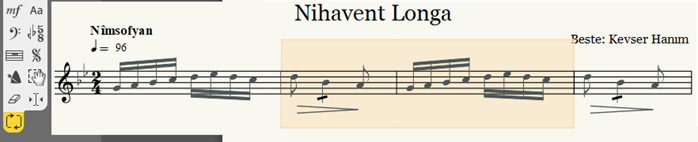
At the bottom of the first tool strip, the “Selective loop” button has been added, which appears in yellow in the image. After pressing this button, the measures to be played repeatedly on the note page should be selected. There should be no skipping in the measure selection, consecutive measures should be selected. After the selection is made, the relevant measures will be played continuously. During playback, if there are turn marks in the selected phrases, they will be ignored. Playback should be terminated with the Stop button. If another tool is clicked after termination, the selection image will disappear but the selection will be preserved. To abandon the selection completely, press Esc.